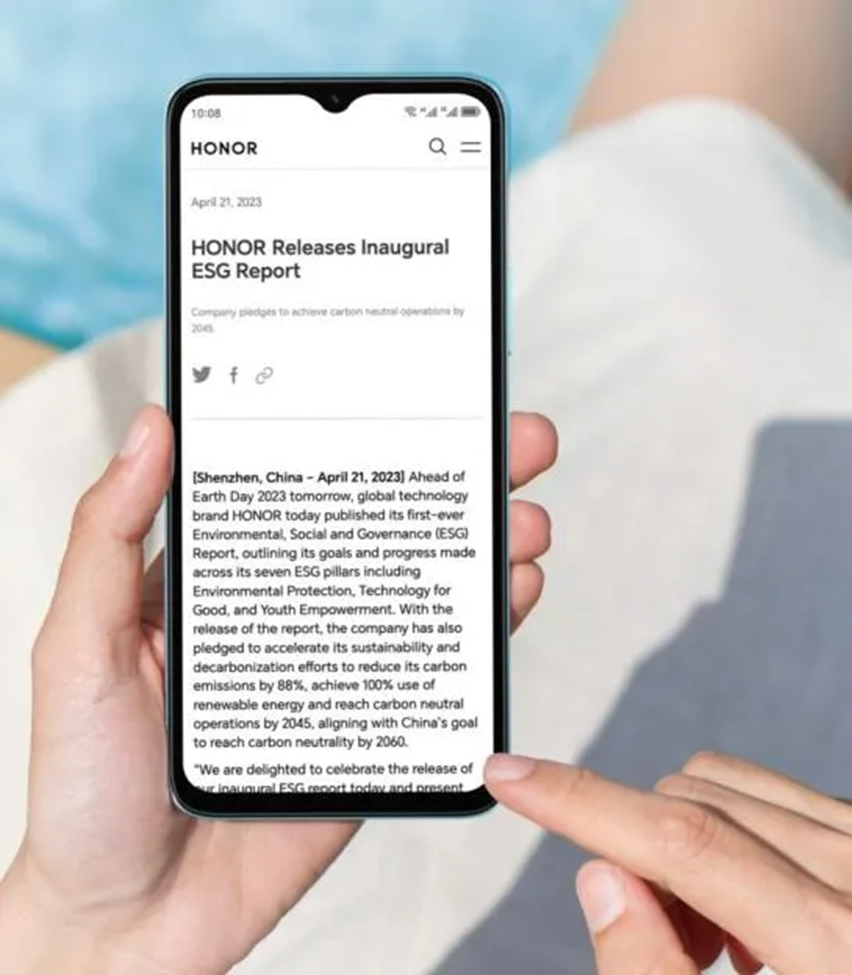
Outdoor use puts a smartphone display under changing light, from harsh midday sun to shaded streets and dim transport. A screen that looks vivid indoors may become difficult to read outside, while excessive brightness can drain the battery and make evening viewing uncomfortable. Good results depend on panel brightness, reflections, color settings, automatic adjustment, and physical protection. This guide explains which display features matter outdoors and how to configure them for maps, messages, photos, and everyday browsing without sacrificing readability or comfort during a full day outside in changing conditions.
Understand HONOR Display Features for Outdoor Visibility
Screen Brightness and Peak Brightness in Direct Sunlight
Screen brightness determines how easily text and maps remain visible in direct sunlight. Maximum or peak brightness figures may apply only to small areas or brief conditions, while sustained brightness can be lower. The HONOR X5b Plus lists a 530-nit high-brightness display designed to remain clear under the sun. Shade the screen when possible, because a bright panel can struggle with direct glare. Keep brightness high enough to read comfortably, then lower it again when you move indoors.
Display Resolution, Color Accuracy, and Viewing Angles
Resolution affects how crisp small text, map labels, and details appear, while color accuracy helps photos and web pages look natural. Higher pixel density can improve clarity, but it does not guarantee better outdoor visibility if glare overwhelms the panel. Viewing angles matter when you glance at the phone while walking or share the screen with someone beside you. Check whether colors shift or brightness drops when you tilt the device, and enlarge text if readability remains difficult.
Anti-Reflection Performance and Screen Readability Outdoors
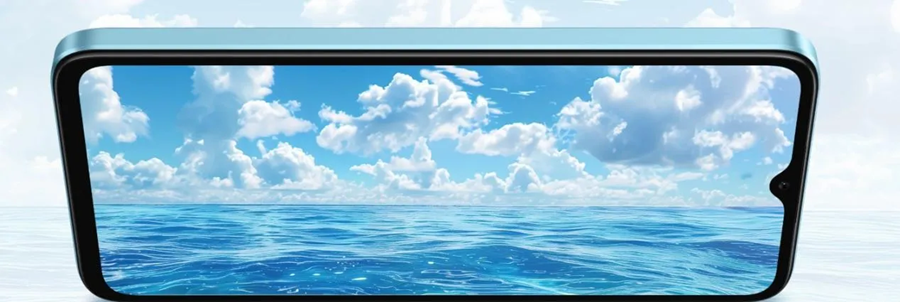
Reflections can make a display hard to read even when its brightness is strong. Glossy glass may mirror the sky, windows, or your face, so tilt the phone or move into shade before raising brightness to its maximum. A screen protector can add protection, but some finishes introduce haze or reduce clarity. Choose one designed for your display and check touch response after fitting it. A clean screen helps: fingerprints scatter light and make outdoor reading less comfortable outdoors.
Optimize HONOR Screen Settings for Different Outdoor Conditions
Adjust Brightness and Enable Automatic Brightness
Start with automatic brightness enabled so the phone can respond as you move between sunlight, shade, and indoor spaces. If the screen remains too dim outdoors, raise the slider manually and give the sensor a moment to adjust. Avoid leaving maximum brightness on, since it uses more power and can increase heat. Keep the sensor area clean and unobstructed too. If adjustments seem erratic, turn automatic brightness off and on again or review display settings after an update.
Choose Comfortable Display Colors and Eye Comfort Settings
Choose a color mode that keeps text clear and images natural rather than overly saturated. Eye comfort or blue-light reduction settings can make evening viewing warmer, although they may change how photos and colors appear. That display also lists Dynamic Dimming for eyestrain relief and a 2-nit low-light eye-protection option in darker environments. Use low brightness in dark rooms, increase text size when needed, and remember that comfort settings do not replace regular breaks from prolonged screen viewing.
Customize Screen Timeout and Always-On Display Options
Set screen timeout to a short interval so the display turns off when you stop using it regularly. While following a walking route or checking a ticket, a longer timeout may be convenient, but return to a shorter setting afterward to save power and reduce accidental viewing. If your phone offers an always-on display, show only information you need at a glance. Consider privacy in public places and disable always-on details that expose messages or personal notifications to people.
Protect Your HONOR Smartphone Display During Outdoor Use
Outdoor use exposes the display to grit, keys, drops, rain, and temperature changes. Fit a case with a raised edge and choose a screen protector that matches the phone without blocking sensors or reducing touch accuracy. Keep the device in a separate pocket from coins and sand, and wipe dust away with a soft cloth rather than rubbing grit across the glass. Avoid leaving the phone on a hot dashboard, and check the maker’s guidance before using it in rain or near water. Protection reduces risk but cannot prevent damage.
Conclusion
A readable outdoor display combines sufficient brightness with settings, manageable reflections, and physical protection. Use automatic brightness as a starting point, adjust it when sunlight overwhelms the screen, and choose color and eye-comfort options for the conditions. Keep text legible, shorten screen timeout when practical, and protect the glass from grit and impacts. Review your settings in both bright and dim environments rather than relying on one configuration. These habits make maps, messages, and daily tasks easier to handle outdoors.
Read also: Fontlu: What It Is, How It Works, Features, Benefits, and Uses

One thought on “HONOR Smartphone Display Guide for Outdoor Use”